
Introduction
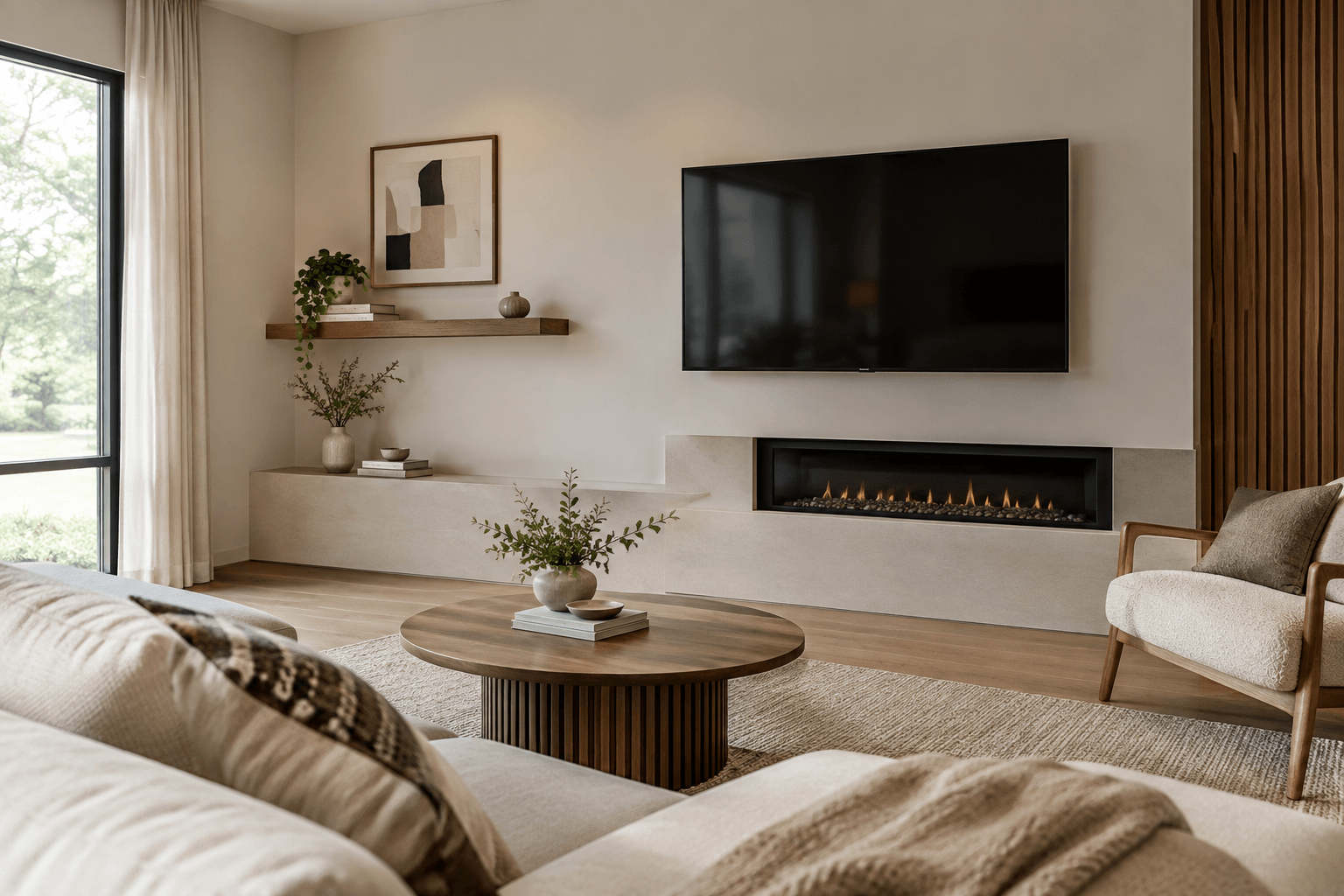
Many people believe a TV should be centered on the wall for a balanced living room. However, placing it in the middle can be less comfortable if your seating, windows, fireplace, or room layout don’t line up. What looks perfect isn’t always the most practical choice.
That’s why more people are choosing off-center TV setups. With the right layout, an off-center TV can look intentional and make watching more comfortable. This guide shares practical tips on height, angle, and spacing, details that many décor articles overlook, so you can create a living room that feels balanced and comfortable.
What to Check Before You Start
Before you pick a spot for your TV, focus on where you’ll be sitting instead of just the wall. The center of the screen should usually be at your eye level when you’re seated, which is about 42 to 48 inches from the floor, depending on your sofa and TV size.
Distance from the TV is just as important. If you’re too close, your eyes have to work harder. If you’re too far, you’ll miss details. A good rule is to sit about 1.5 to 2.5 times the diagonal size of your TV away from the screen.
Consider your viewing angle as well. Try to keep the TV within about 15 degrees of your usual seat. If the TV needs to be farther to the side, a swivel wall mount lets you angle the screen toward your sofa so you don’t have to twist your neck while watching.
Make sure there’s enough space around your TV. If you squeeze it between shelves or cabinets, the wall can look crowded, and your electronics might not get enough airflow. That extra space also helps the layout feel less abrupt.
1. Balance the TV With a Large Piece of Artwork
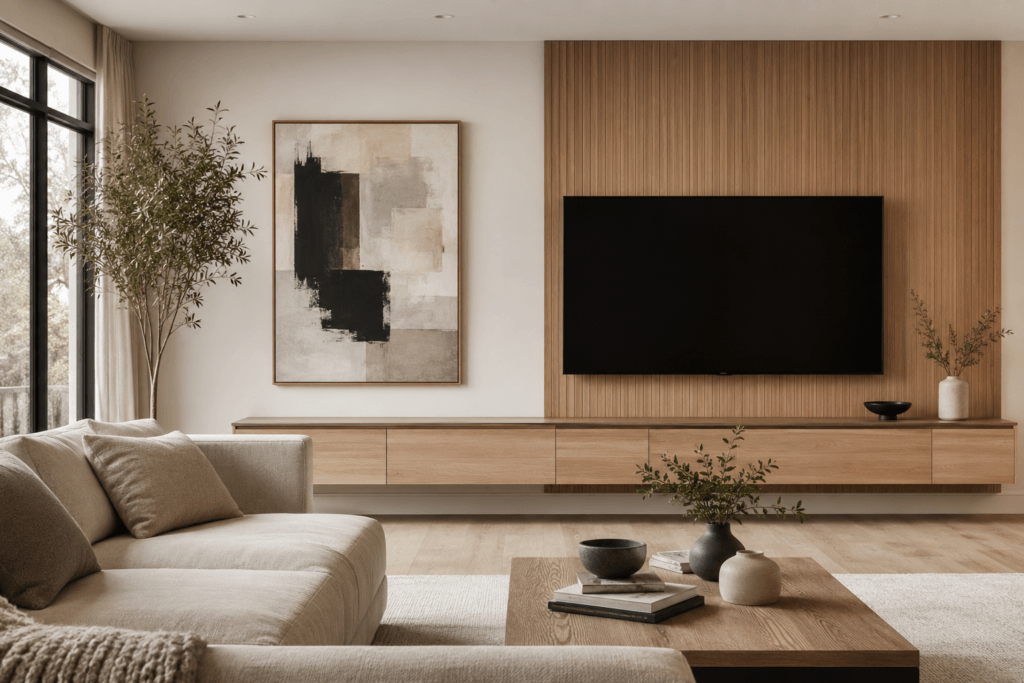
Instead of hiding the off-center TV, hang a large piece of art on the other side. This makes the whole wall look thoughtfully arranged and helps balance the TV visually.
Choose artwork that’s about the same height as your TV so both sides feel balanced.
2. Build an Asymmetrical Media Wall
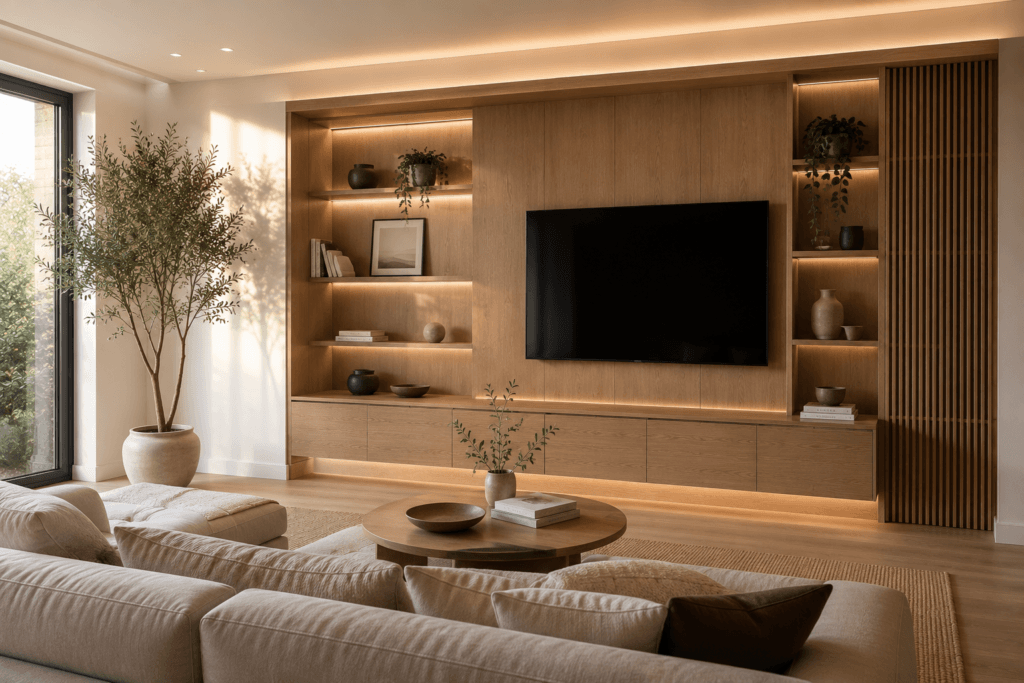
An asymmetrical built-in can balance the wall without centering the TV. To do that, add shelves or cabinets next to it, and it’s fine if each side is a different width.
This approach makes your room feel designed for your needs, not just for symmetry.
3. Extend the TV Wall With Floating Shelves
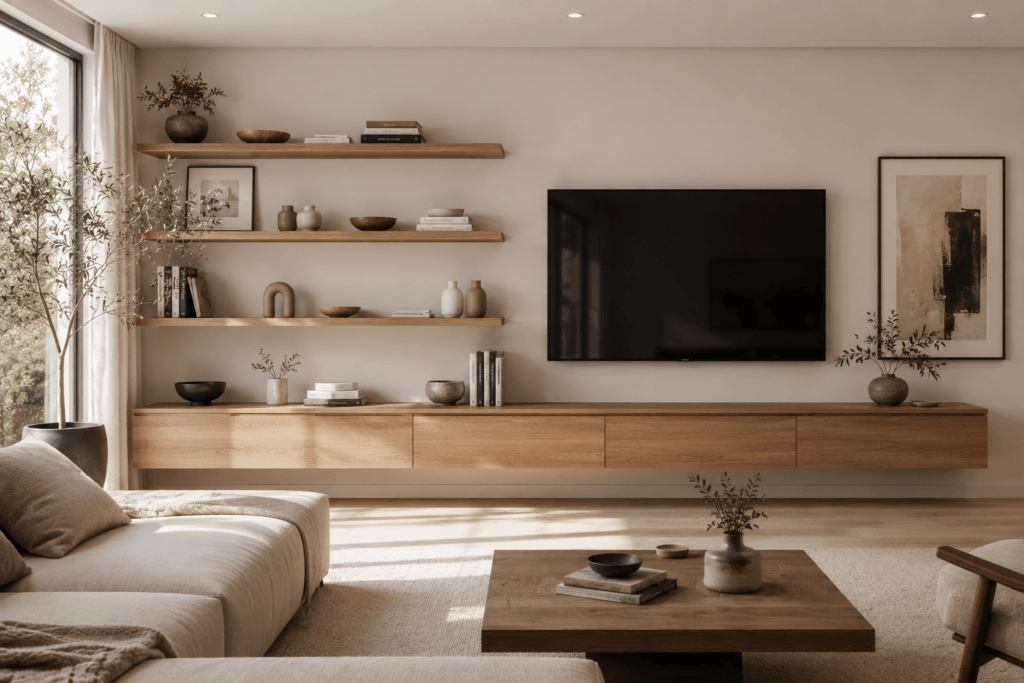
Floating shelves can help spread out the look of the wall. Then, display just a few favorite pieces to keep things tidy.
This idea works especially well in smaller living rooms with an off-center TV.
4. Use Vertical Wood Slats Behind the TV
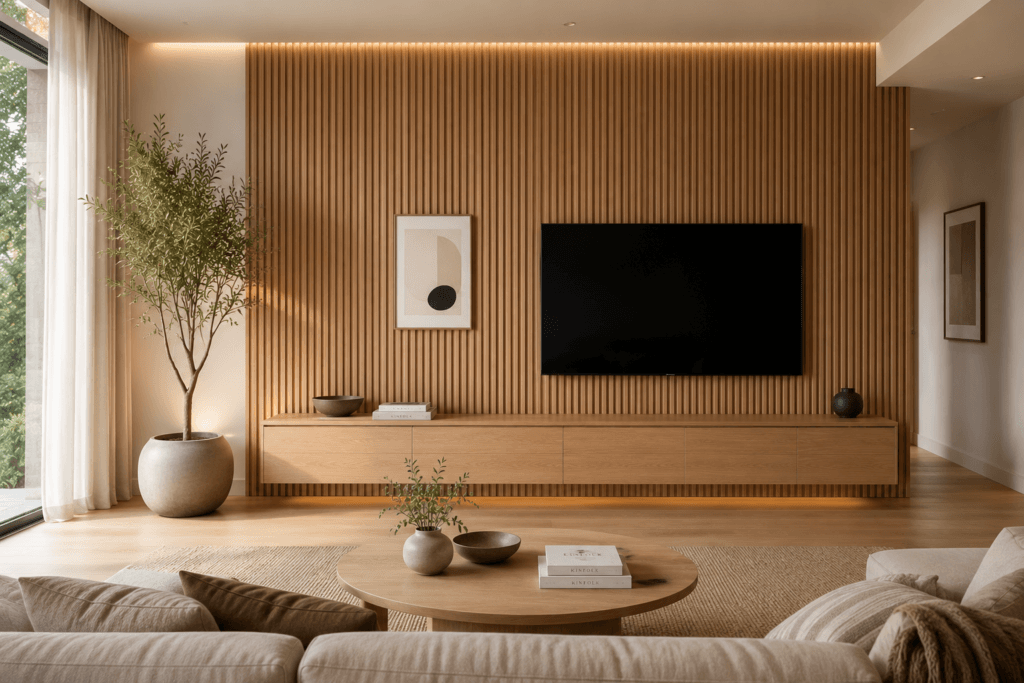
Vertical wood slats on the wall can make the TV area look larger and help the off-center placement feel intentional. They also create a continuous background that keeps the wall visually connected.
Let the slats run past the sides of the TV instead of stopping at the edges.
5. Wide Media Console
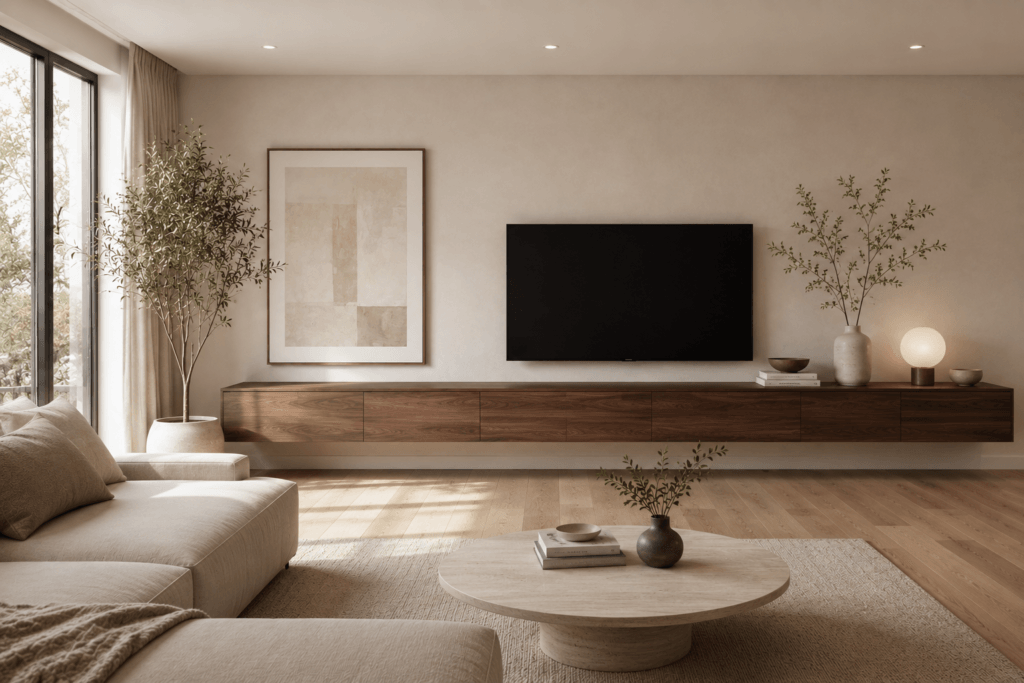
Choose a media console that’s much wider than your TV. This anchors the wall and makes everything feel more balanced.
Center the TV over the console instead of the wall.
6. Position Furniture Around the TV Instead of the Wall
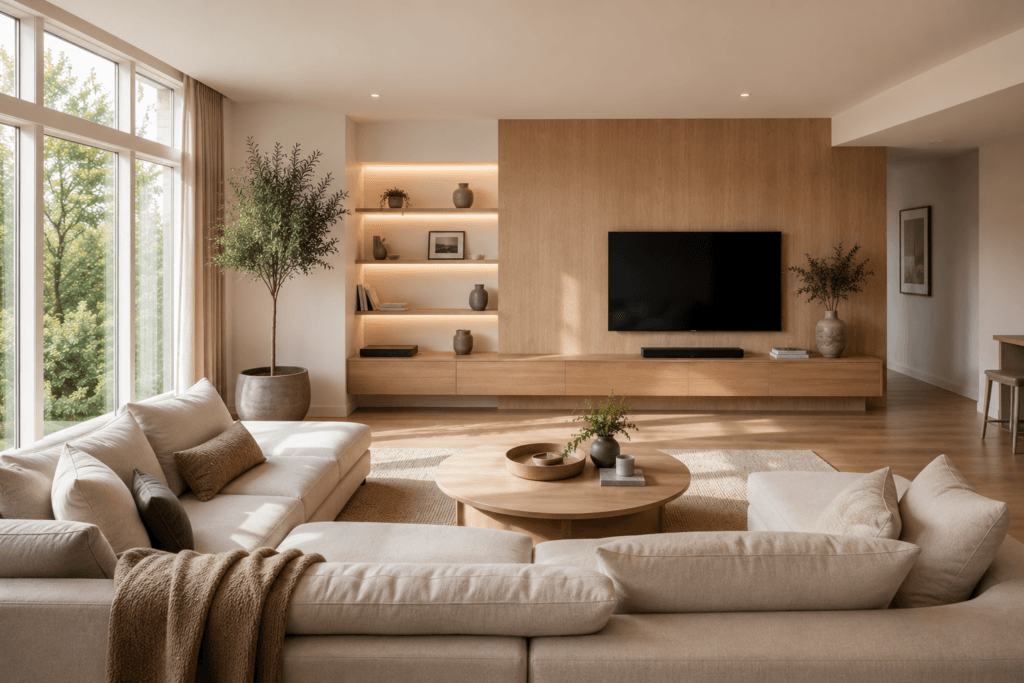
Arrange your sofa, coffee table, and chairs to face the TV, even if it’s not centered in the room.
Comfort matters more than perfect symmetry.
7. Create a Gallery Wall Around the TV
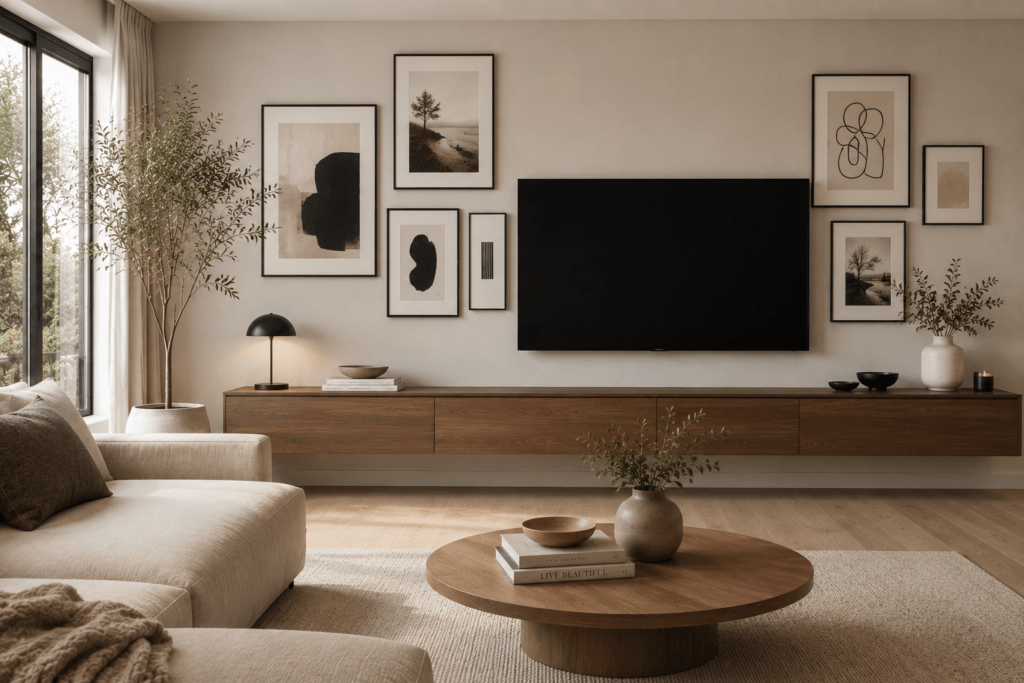
Make the TV one part of a gallery wall instead of the main focus. This helps the surrounding pieces flow around it rather than stopping at the screen.
Mix different sizes of framed art, but keep the spacing even for a neat look.
8. Install Built-In Cabinets on One Side
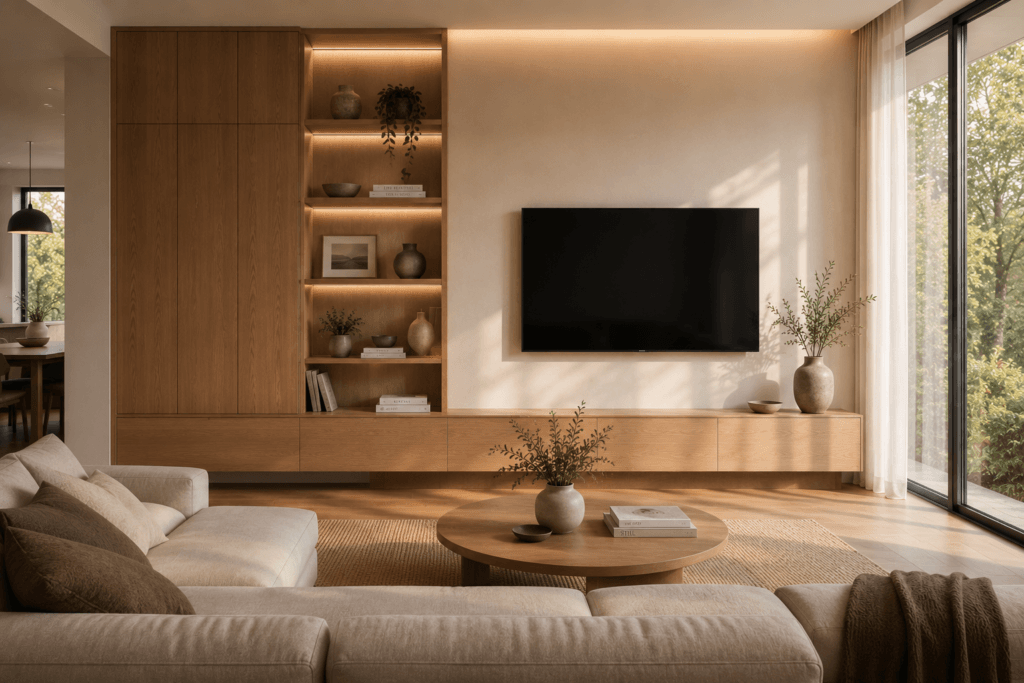
Tall cabinets next to the TV can give the wall a custom look and help balance the space.
You’ll also get extra storage without needing more furniture in the room.
9. Use Wall Paneling Across the Entire Width
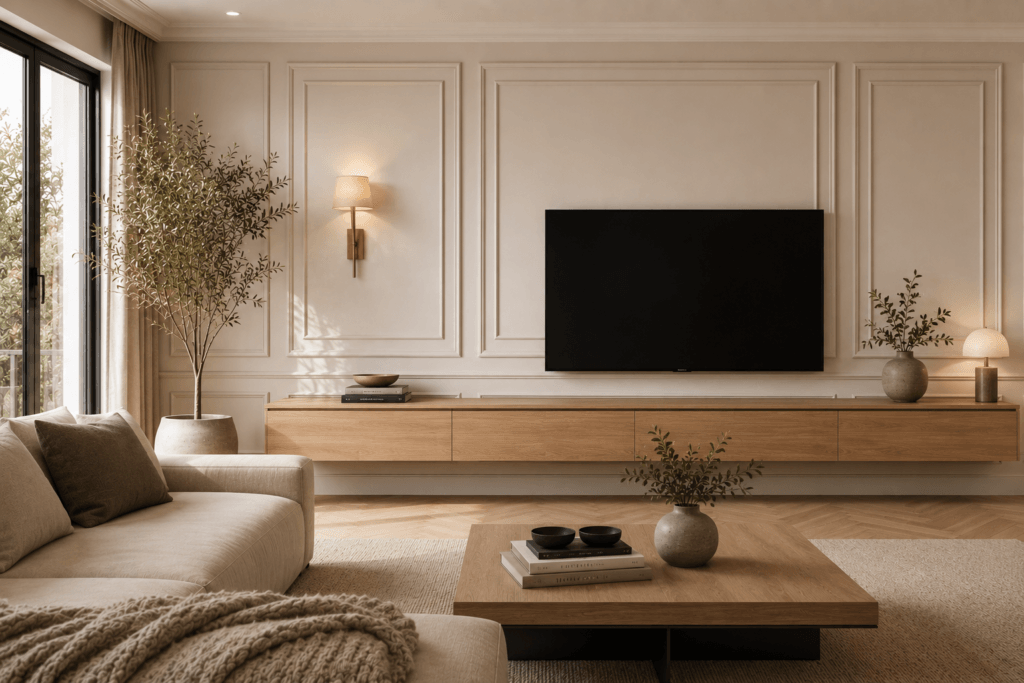
Decorative paneling or molding can create a seamless background that connects the TV to the rest of the wall.
This makes the TV feel like part of the room’s design instead of looking out of place.
10. Add a Tall Plant on the Opposite Side
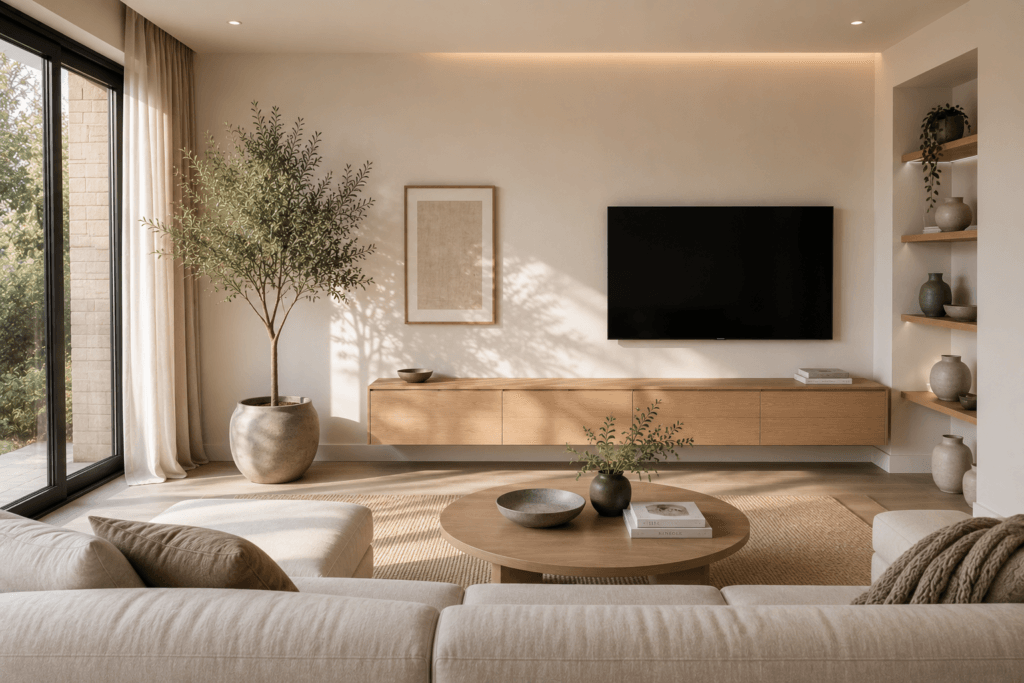
A large indoor tree or tall plant can balance the TV without adding bulky furniture. It also softens the shift from the screen to the rest of the room.
Pick a plant that doesn’t block the screen or get in the way.
11. Frame the TV With Accent Lighting
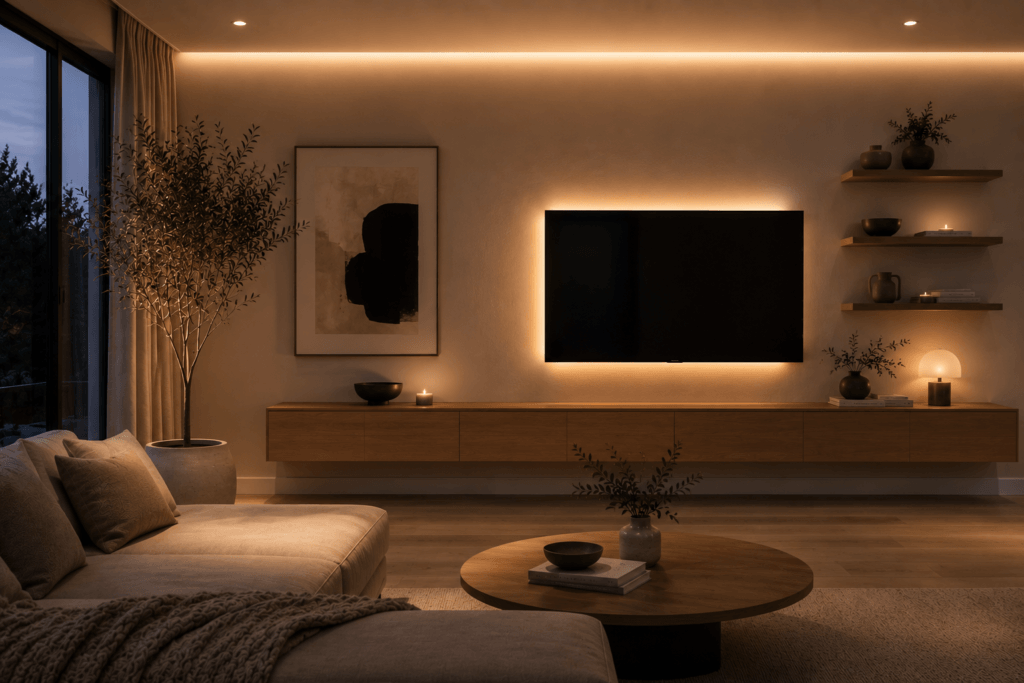
LED backlights or wall sconces can highlight the TV area and make the screen easier on your eyes at night. They also help the TV blend more naturally into the wall.
Soft, indirect lighting can also help prevent eye strain during long movies.
12. Use an Art Display TV
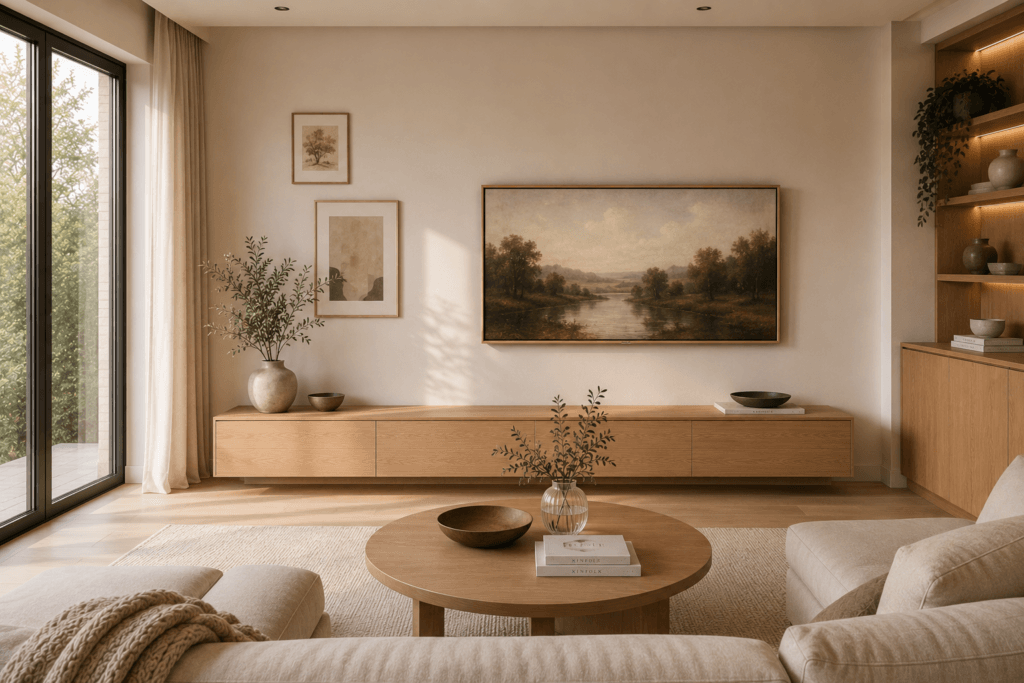
A TV that displays artwork when it’s off can blend in better with an off-center setup. This makes the screen feel like part of the room even when it isn’t in use.
If you add framed art nearby, the TV becomes part of the room’s overall look.
13. Mount the TV Near a Corner
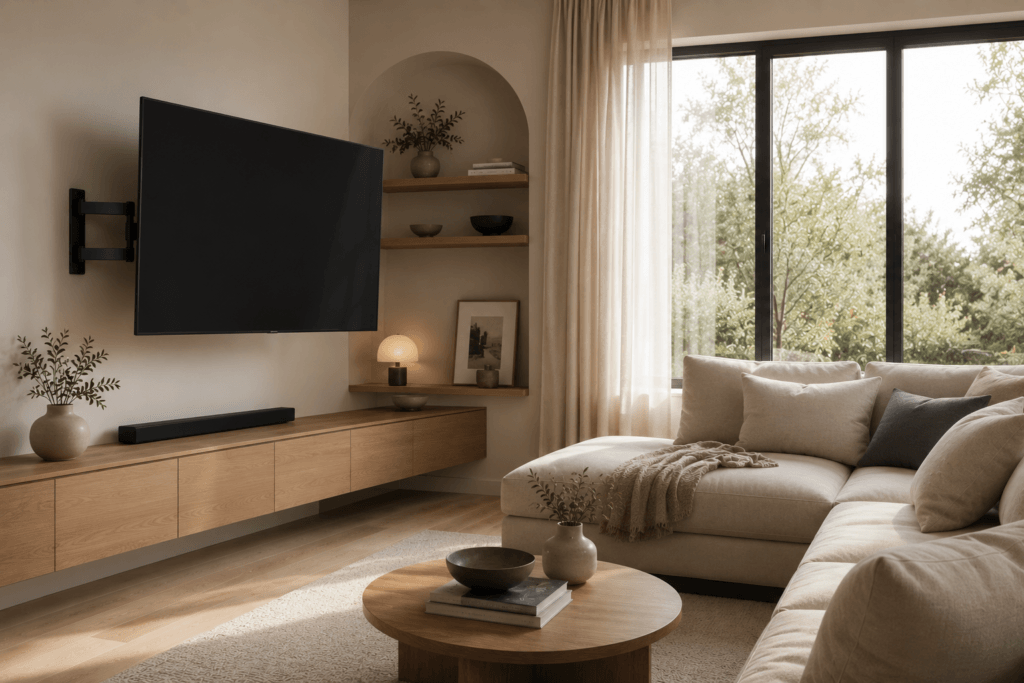
Sometimes, placing the TV in a corner gives you the best view from your seats. Use a wall mount so the screen faces viewers directly instead of staying flat against the wall. That keeps the setup aligned with the seating area.
14. Extend the Wall With Custom Millwork
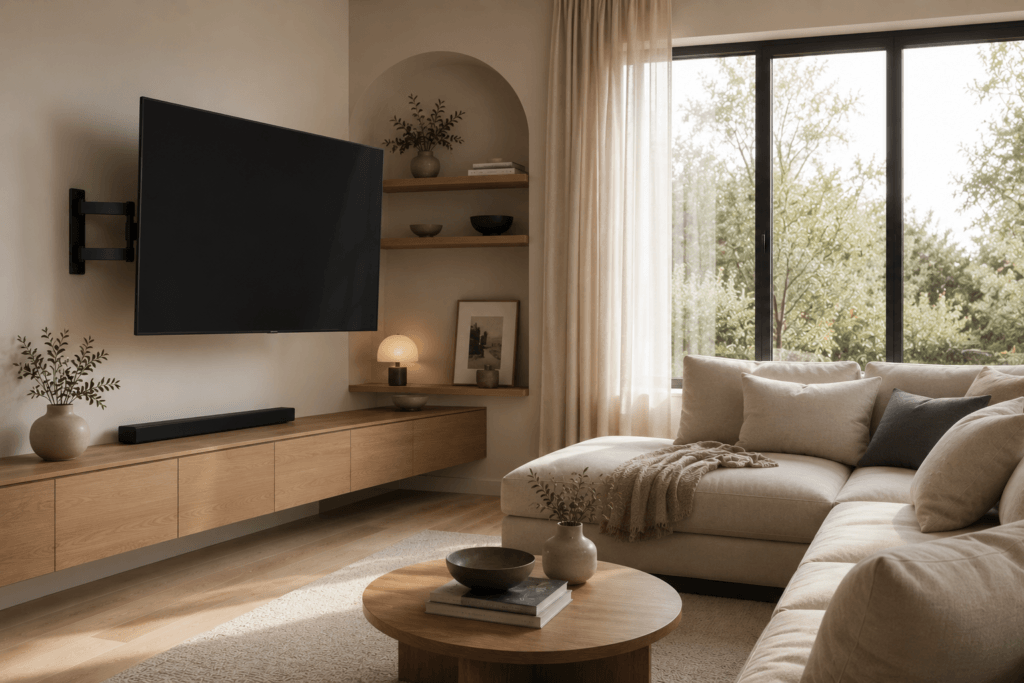
Custom wood panels or cabinets can make the entire wall feel larger, not just the TV area. This helps the TV settle into the full layout instead of standing apart from it.
This draws attention to the whole setup, not just the TV.
15. Let Negative Space Work for You
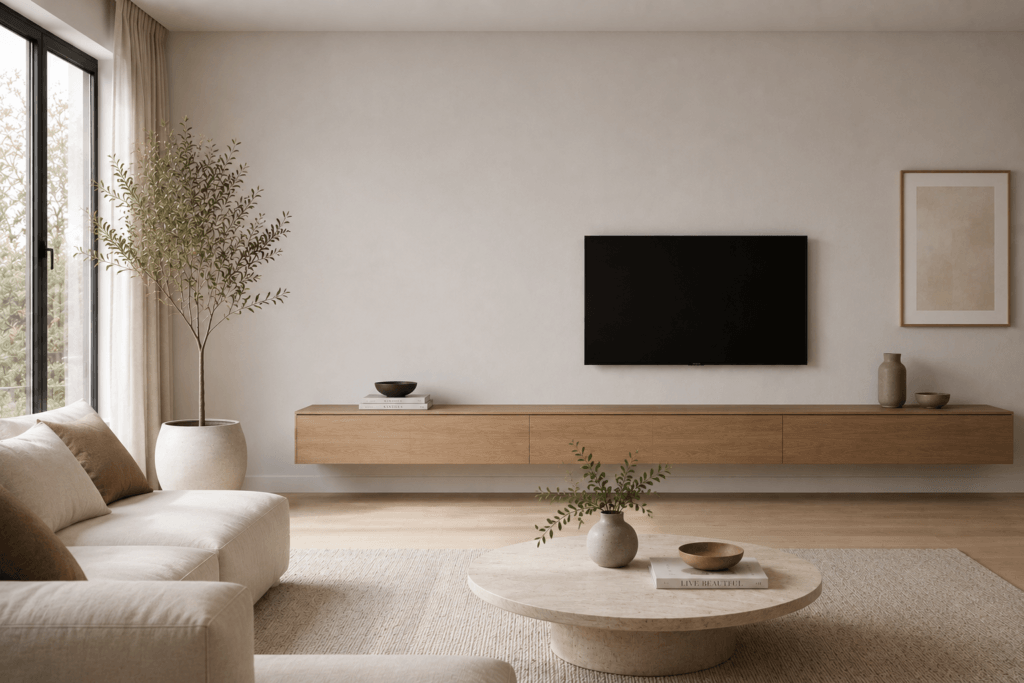
You don’t need to decorate every empty spot. Leaving some space open can make the room look cleaner and more modern, while also giving the TV area room to breathe.
Don’t feel you have to fill every gap just because the TV isn’t centered.
16. Balance With Matching Lighting
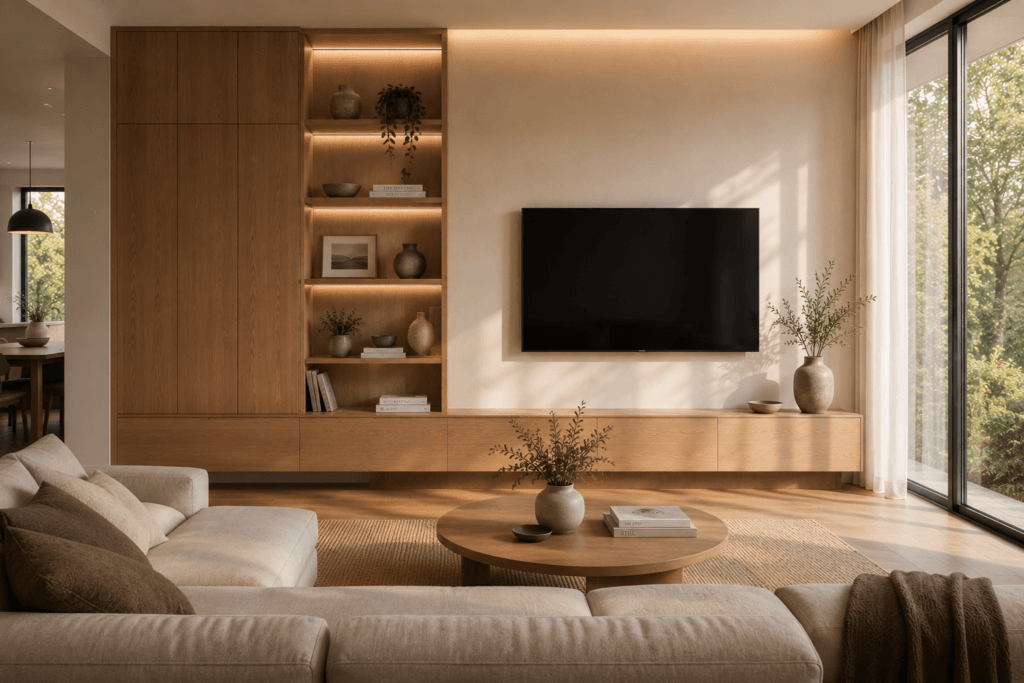
Place a floor lamp or wall sconce on the side opposite the TV to balance the room without moving the screen. This creates a more even visual rhythm across the space.
Lighting also improves the room’s atmosphere while making the layout feel more intentional.
17. Combine Open and Closed Storage
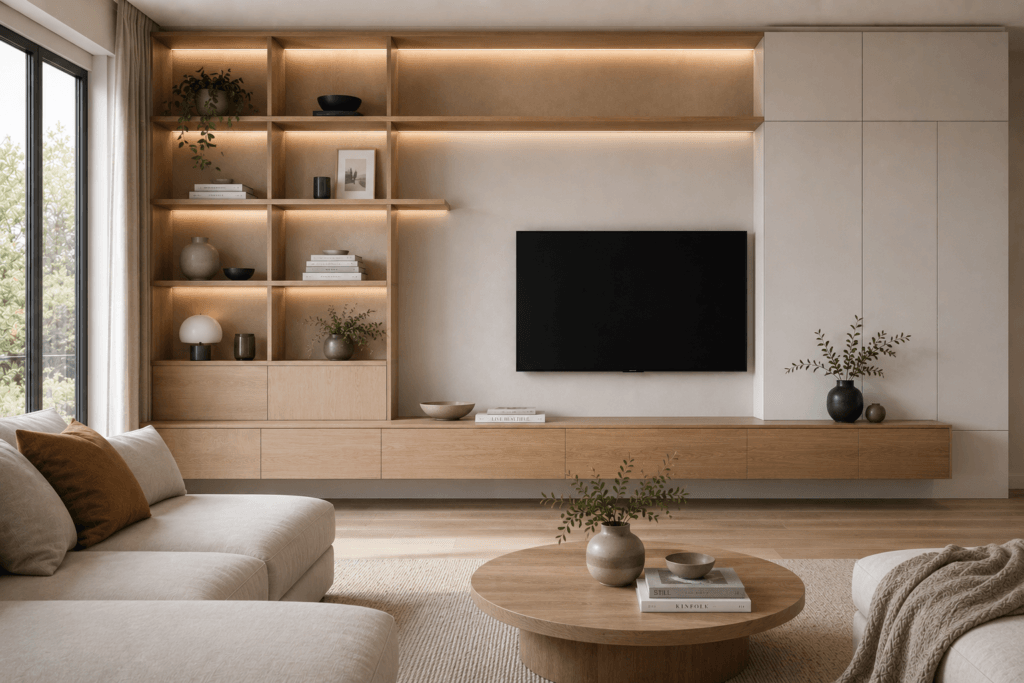
Mix open shelves and closed cabinets to keep the wall balanced without making it look too busy. This combination helps the storage feel connected and orderly.
Hide electronics behind cabinet doors and show off just a few decorations on the open shelves.
18. Prioritize Comfortable Viewing Over Perfect Symmetry
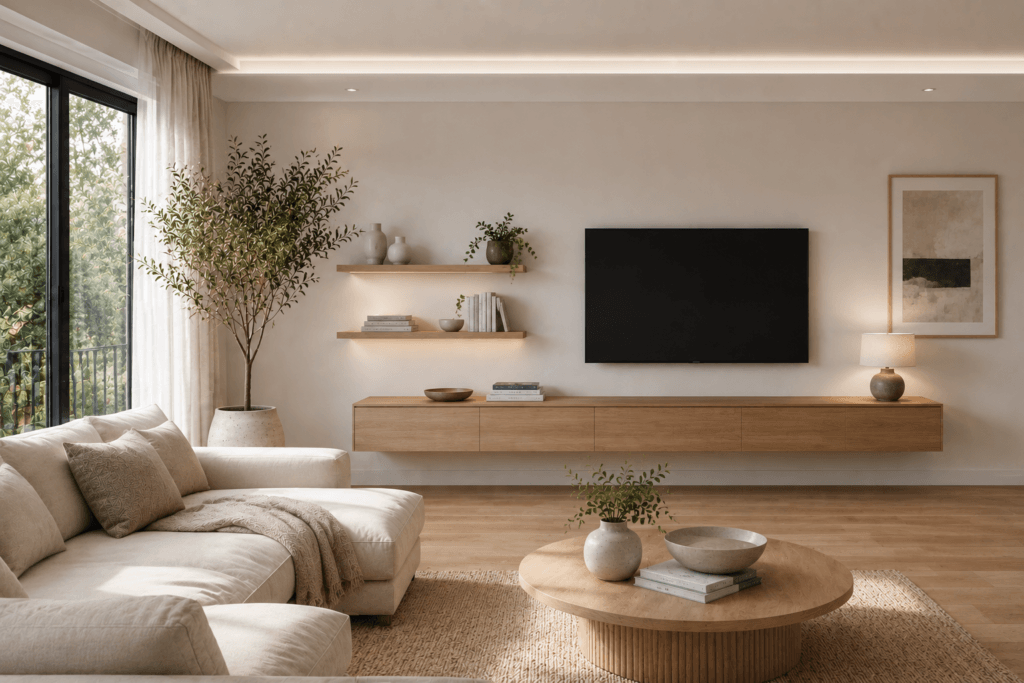
The best off-center TV wall ideas begin with where people actually sit. From there, each design choice should support comfortable viewing.
If moving the TV slightly off-center improves neck posture, reduces glare, or aligns better with your seating, it’s usually the better long-term decision than forcing visual symmetry.
Frequently Asked Questions
Is it okay for a TV to be off-center on a wall?
Yes. An off-center TV can look intentional when balanced with furniture, artwork, shelving, or architectural details. Viewing position is more important than wall symmetry.
How high should an off-center TV be mounted?
The center of the screen should generally align with your seated eye level. For most living rooms, that’s around 42–48 inches from the floor, depending on your seating height.
Can an off-center TV cause neck strain?
Yes, if the viewing angle is too extreme. Keeping the screen within about 15 degrees of your main seating position or using a swivel mount helps reduce neck rotation during extended viewing.
How do I make an off-center TV wall look balanced?
Use surrounding elements such as wide media consoles, artwork, shelving, plants, or lighting to distribute visual weight. The goal is to balance the wall rather than force the TV into the middle.
Closing
A balanced living room isn’t defined by perfect symmetry. It’s created by placing the TV where it provides comfortable viewing first, then designing the surrounding wall to support that choice. Browse more Ergontag guides for practical ways to make your living room look better while improving everyday comfort and posture.